Shelf tag and receipt scanning
Capture a shelf tag or whole receipt, then review and edit the values BasketSignal detects before saving.
 BasketSignal
BasketSignal scans shelf tags and receipts on your iPhone to build a private price history, so you can tell whether something is a good price before it goes in the cart.
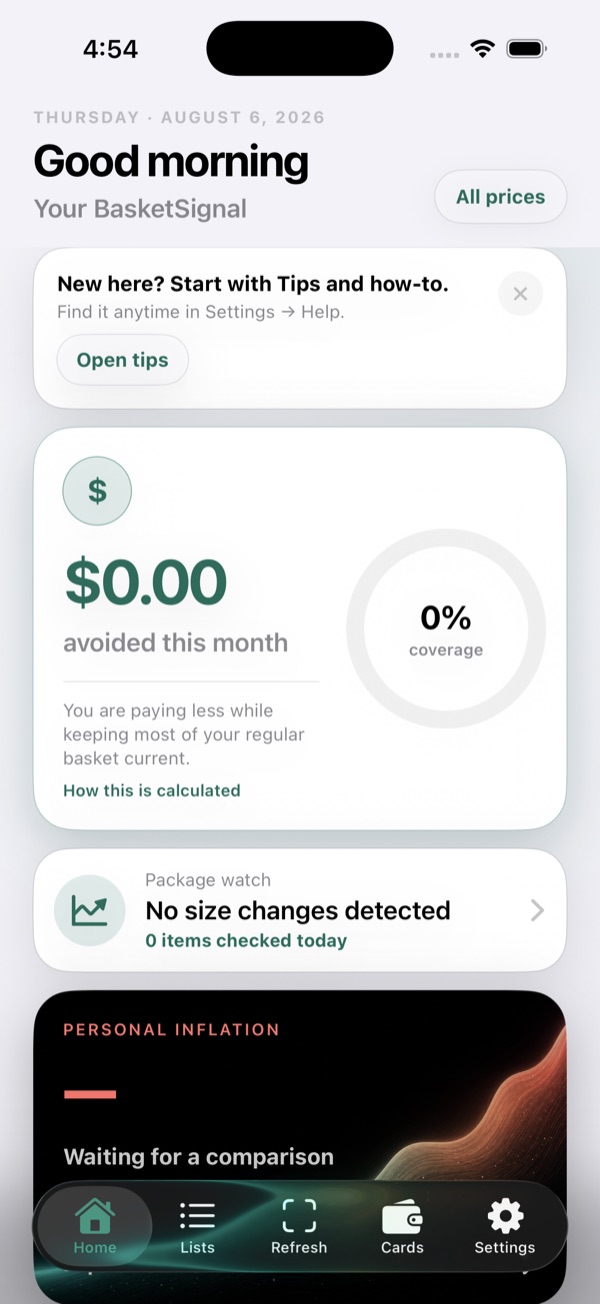
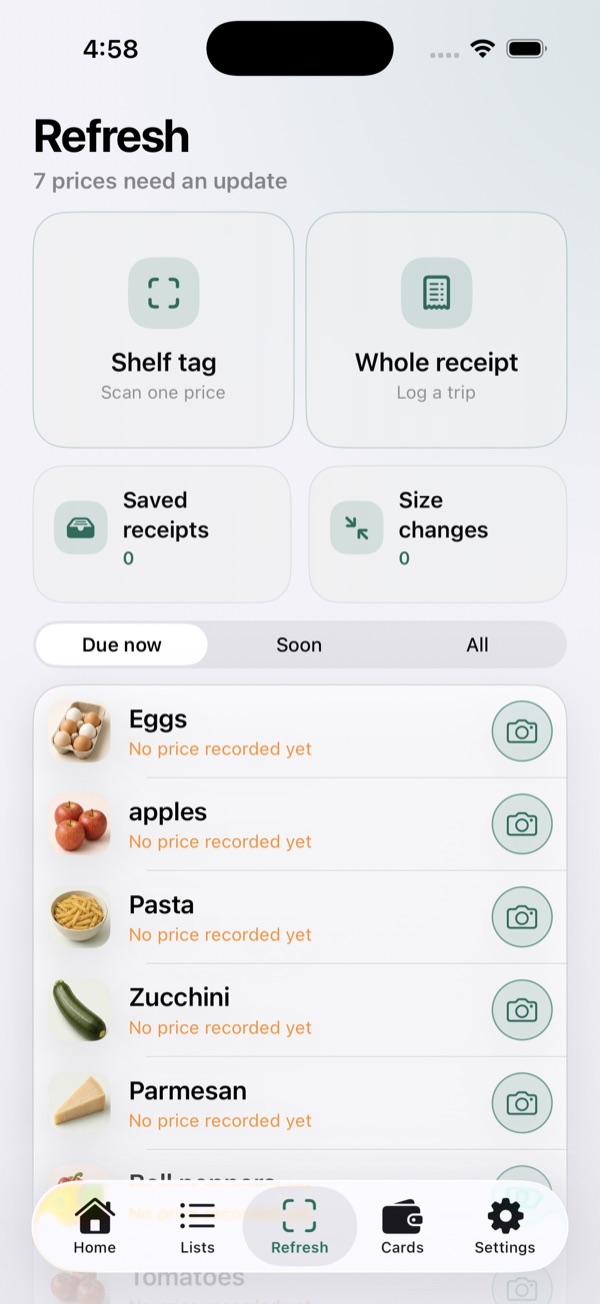
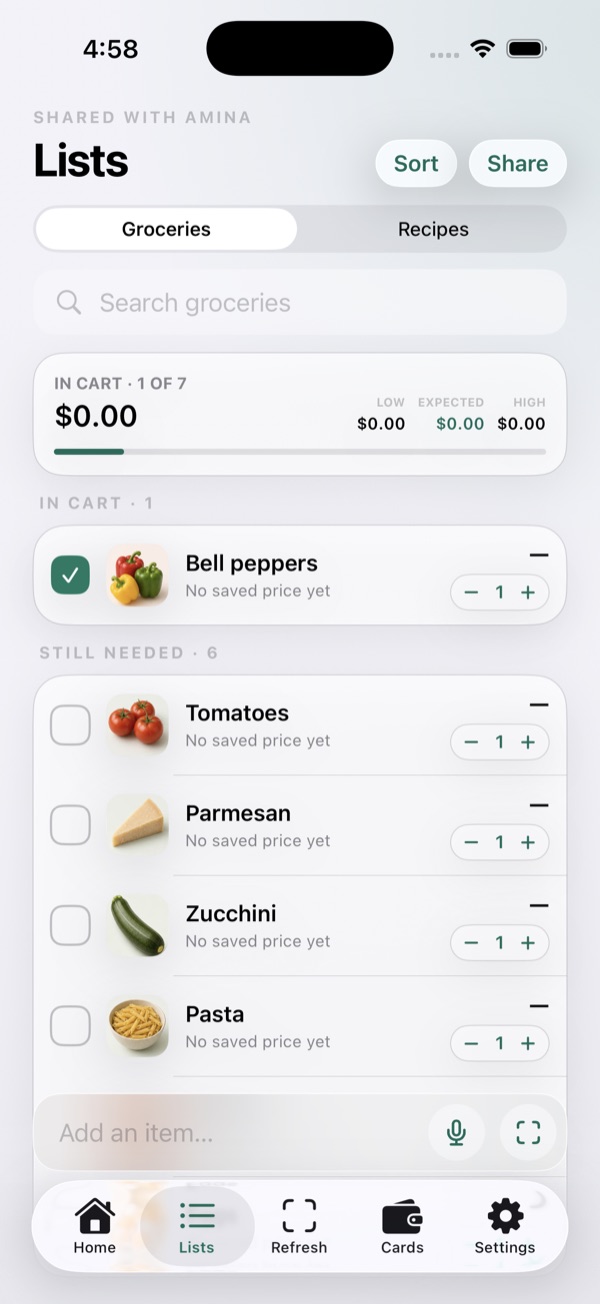
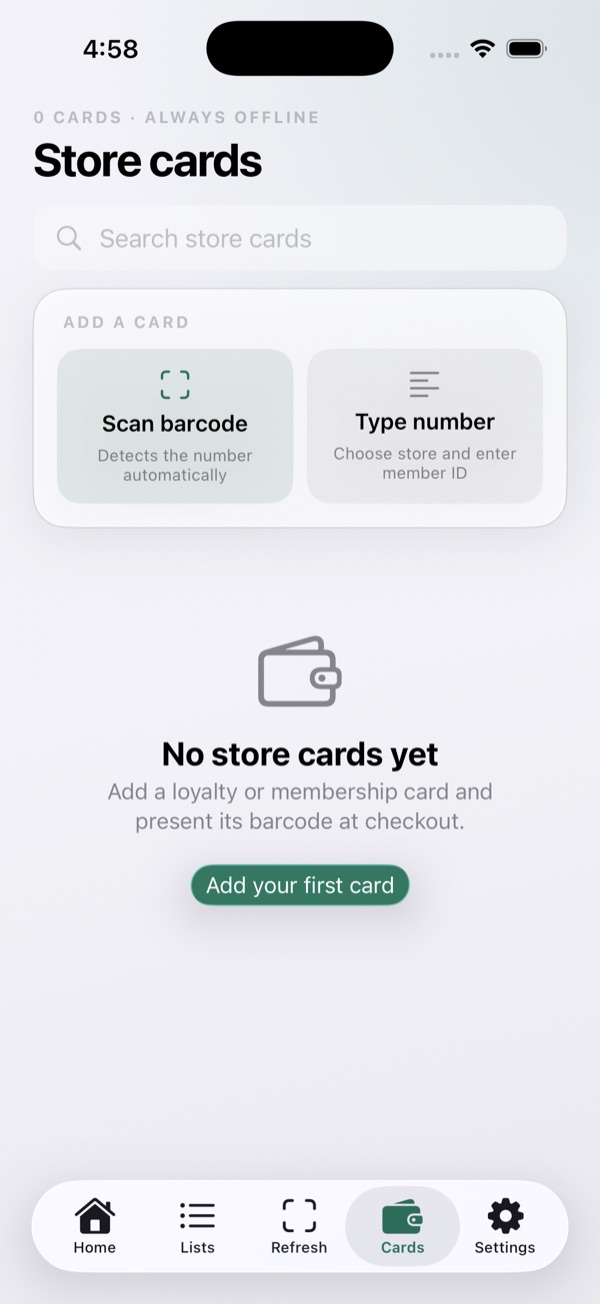
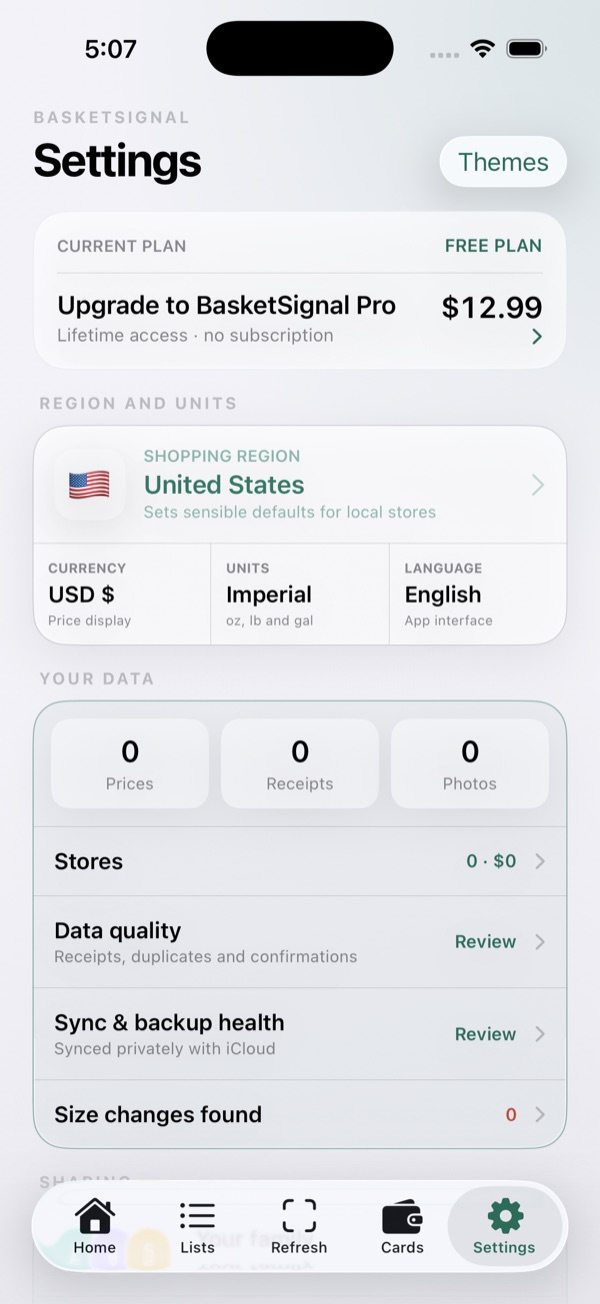
Receipt and shelf-tag recognition happens on your iPhone. Review detected values, save them to your private history, and compare normalized prices before your next purchase.
Use the tags and receipts you already see to understand prices, plan shopping, and keep the household coordinated.
Capture a shelf tag or whole receipt, then review and edit the values BasketSignal detects before saving.
Compare current, usual, lowest, unit, and store-by-store prices using the purchases you record.
Notice when package sizes or normalized prices change, with the underlying saved records available for review.
Share selected lists, pantry, receipts, budgets, price insights, recipes, and loyalty cards with invited iCloud household members.
It scans shelf tags and receipts, builds a private grocery price history, compares normalized prices, and helps plan lists, pantry inventory, recipes, and household budgets.
Both. Capture an individual shelf tag or scan a whole receipt, then review the detected information before saving it.
Core recognition and comparison happen on-device. Optional iCloud sharing, barcode lookup, recipe import, and support email use only the information needed for the feature you choose. See the Privacy Policy for details.
No BasketSignal account or sign-in is required. iCloud is needed only when you choose iCloud synchronization or household sharing.
Visit the Support page for contact information, troubleshooting, purchase restoration, and privacy links.
Launch timing will be announced after TestFlight testing and App Store review.
Contact BasketSignal Support